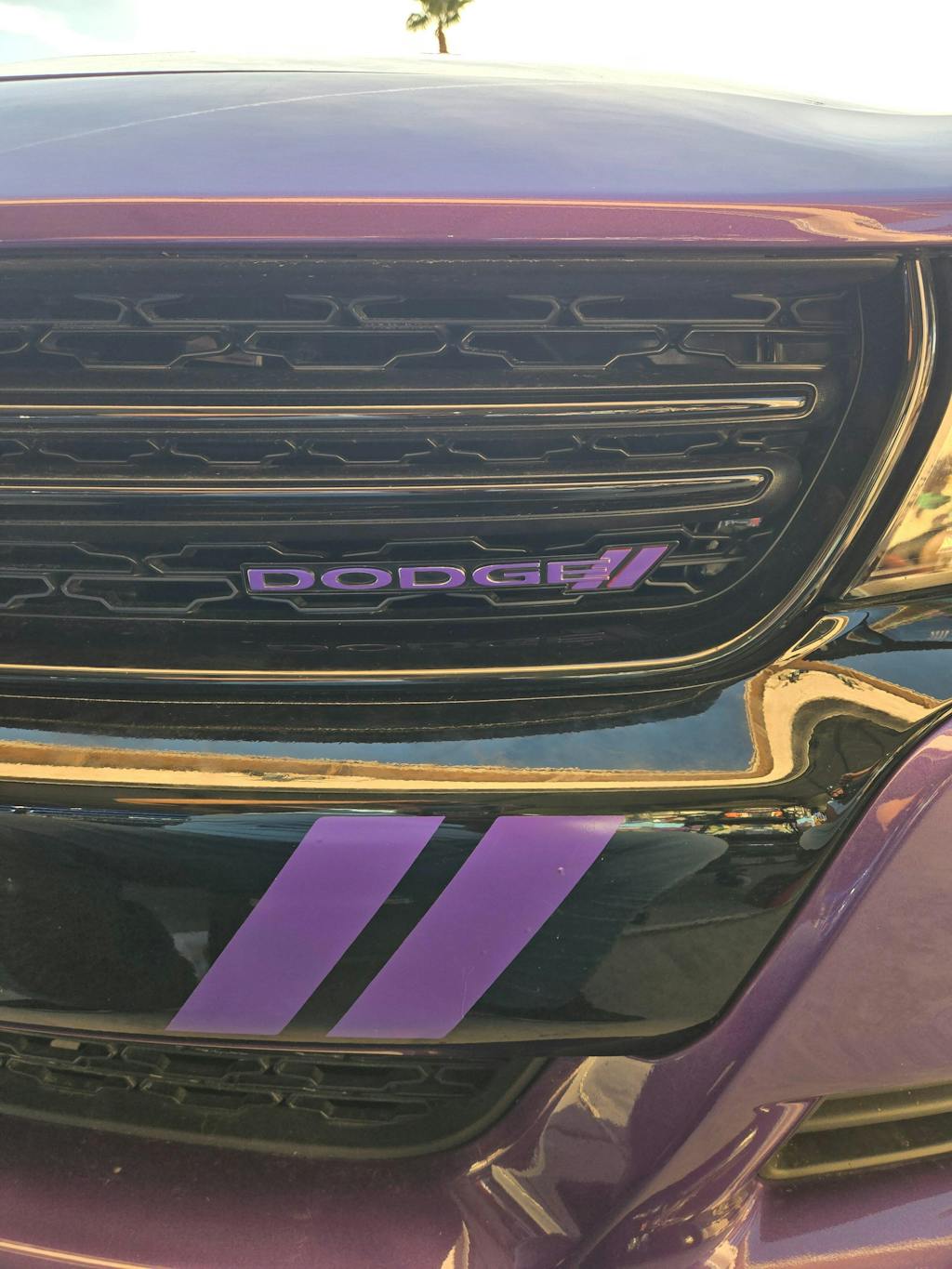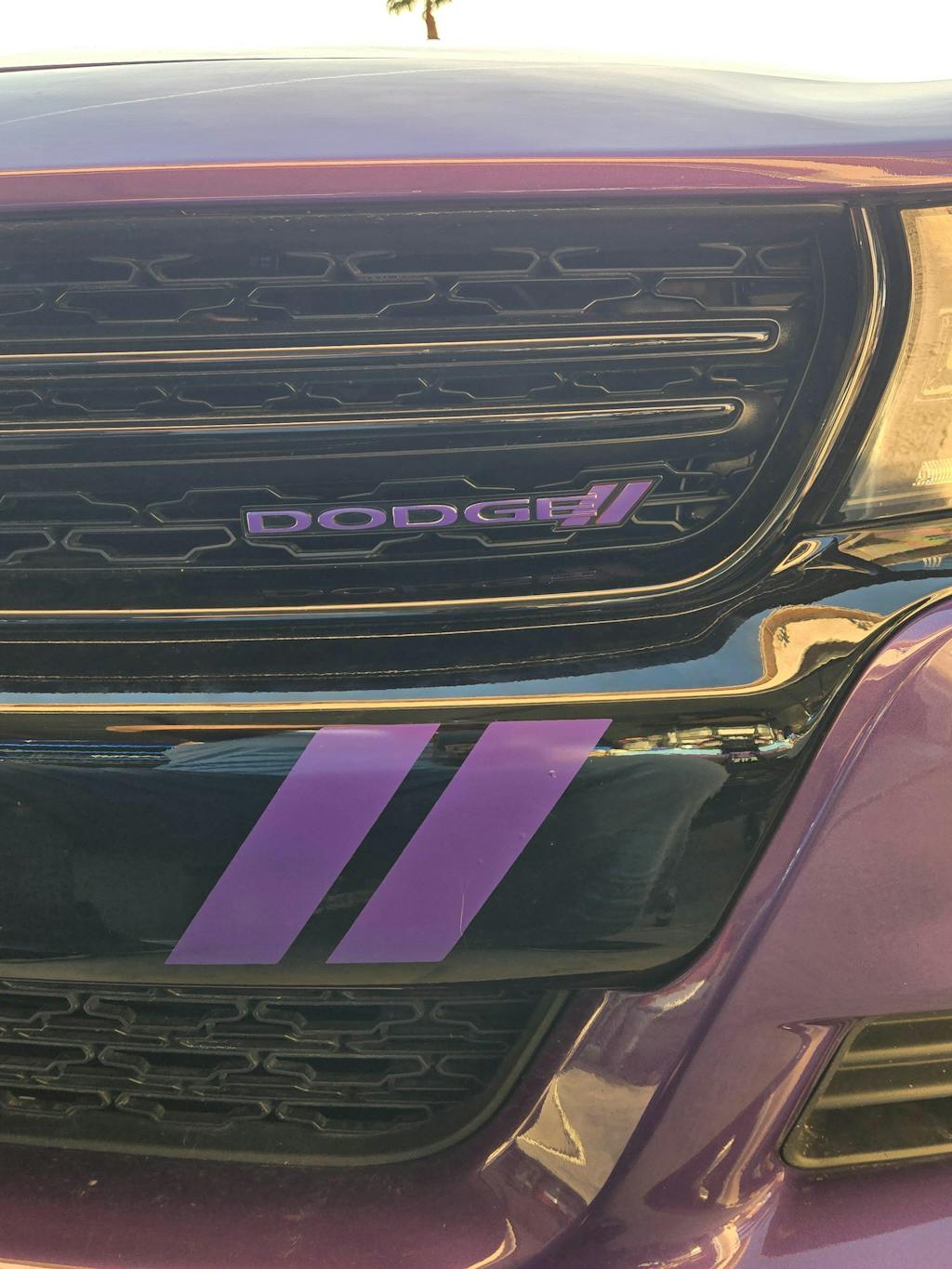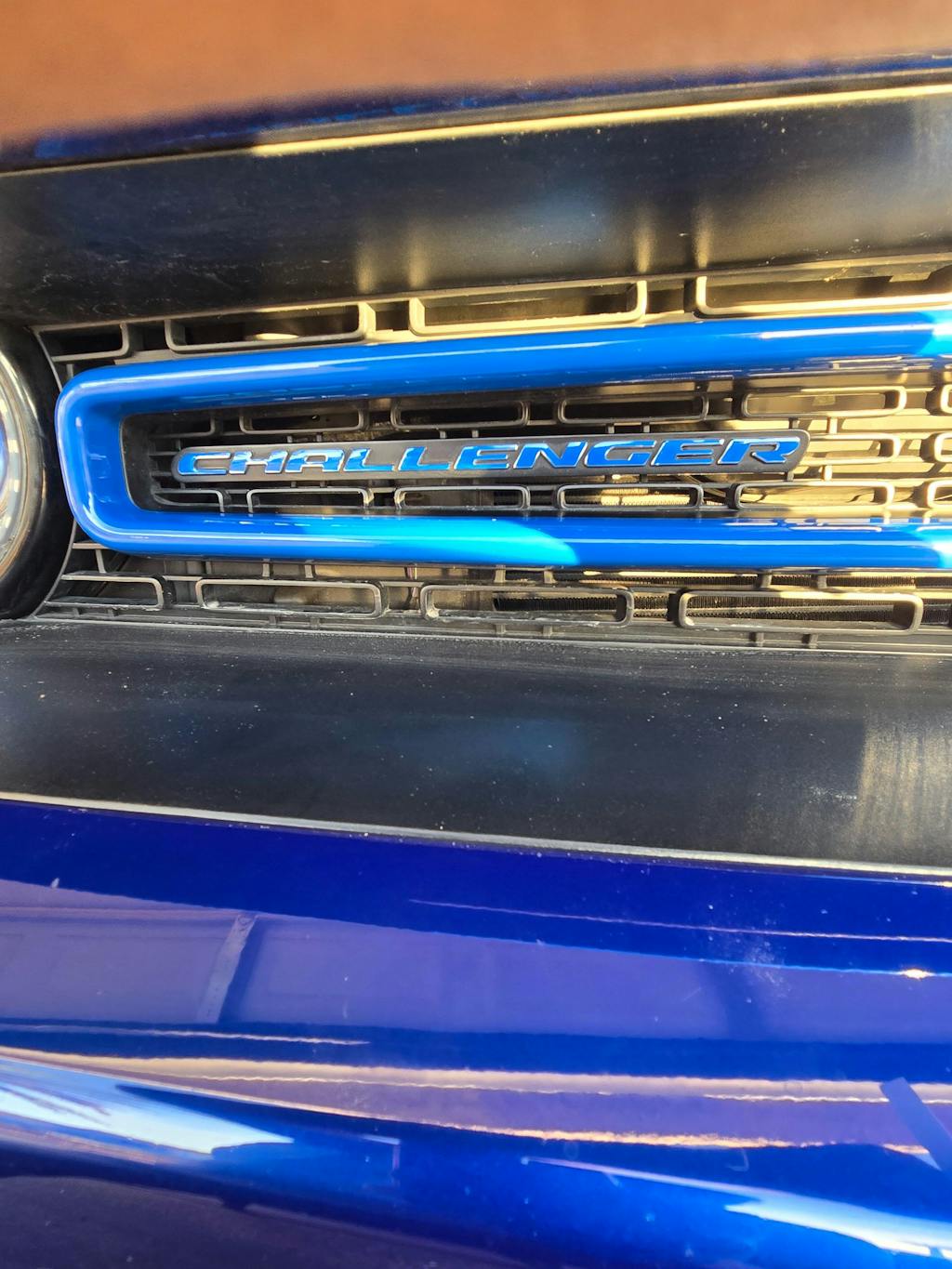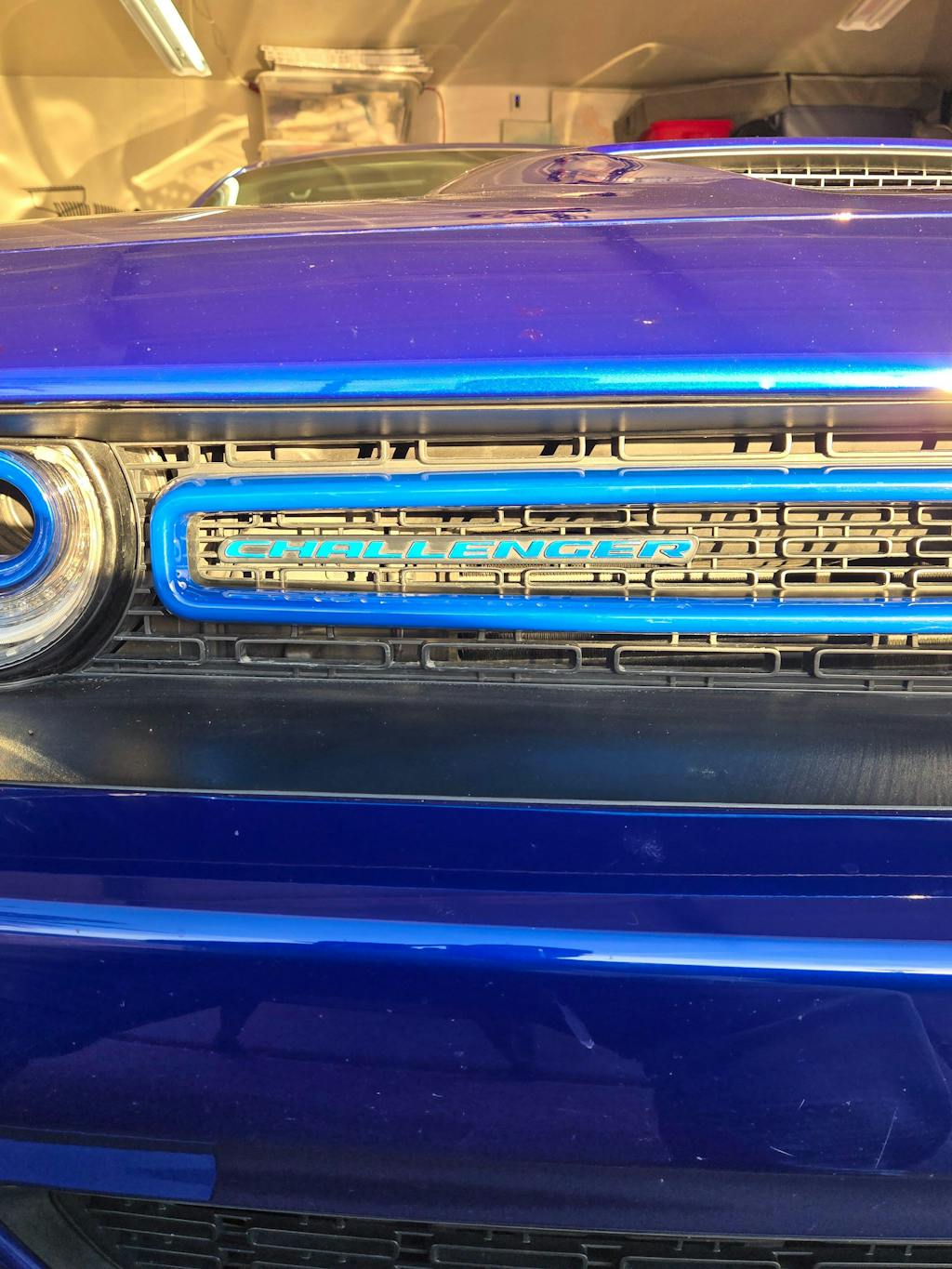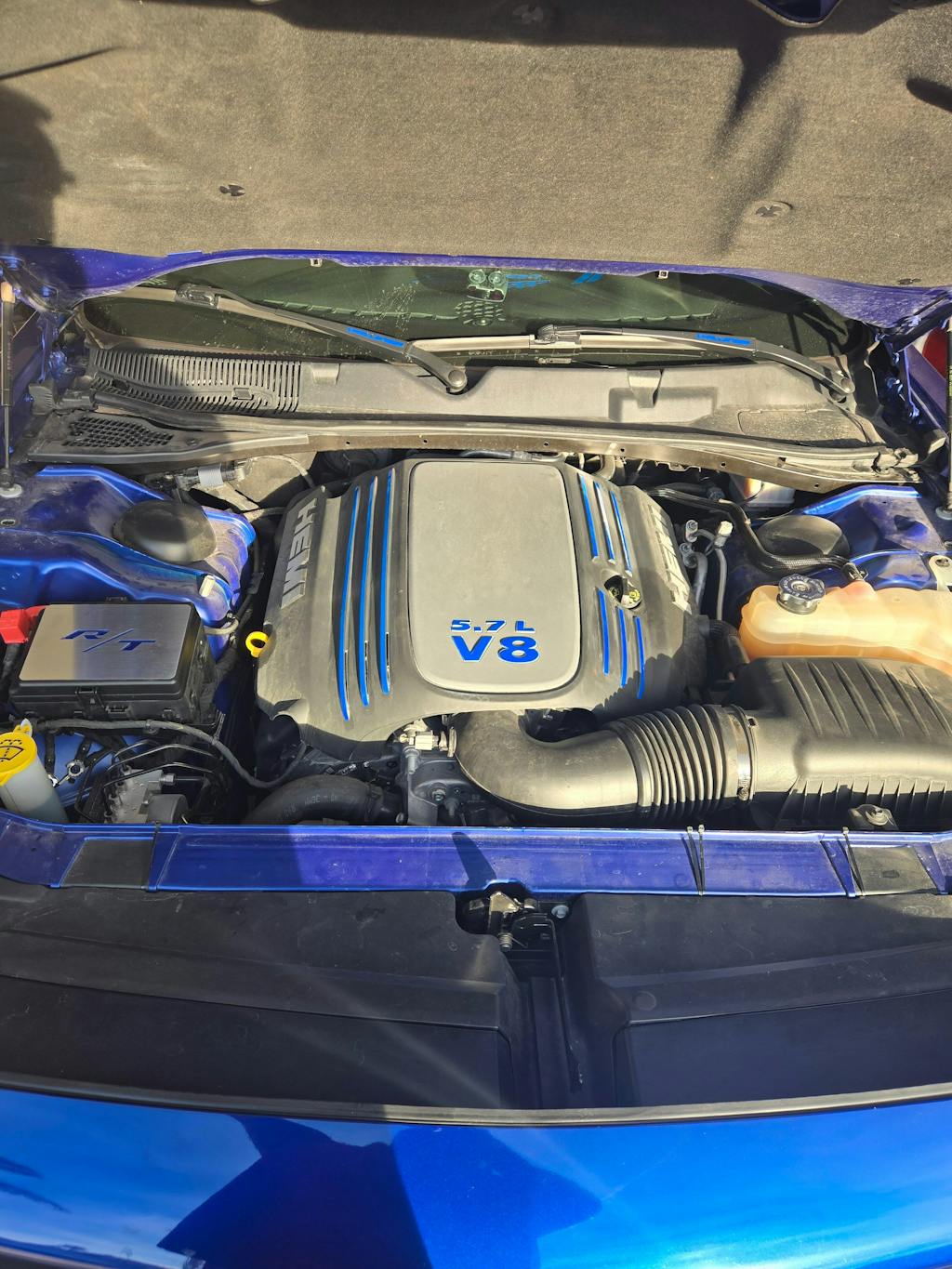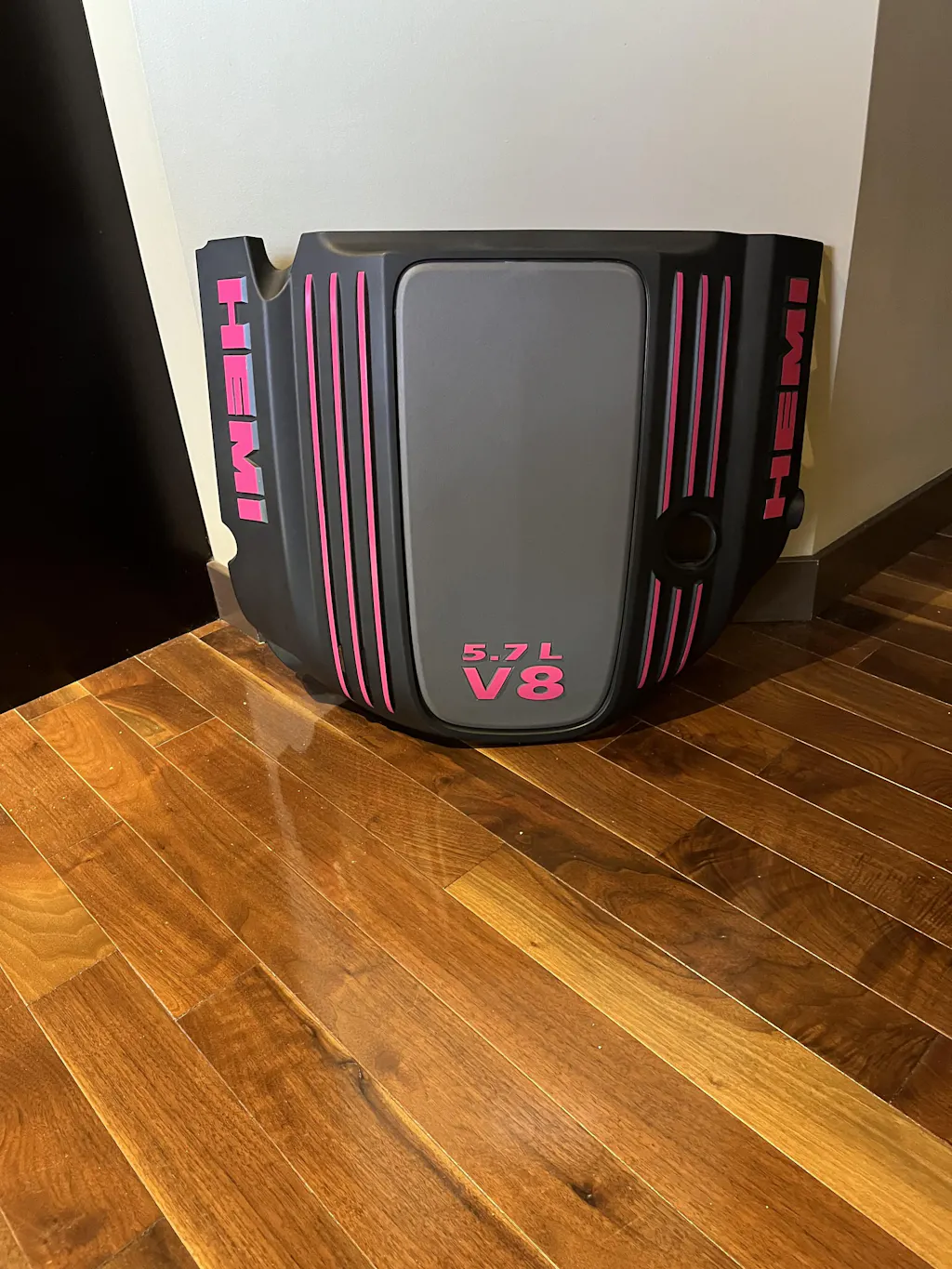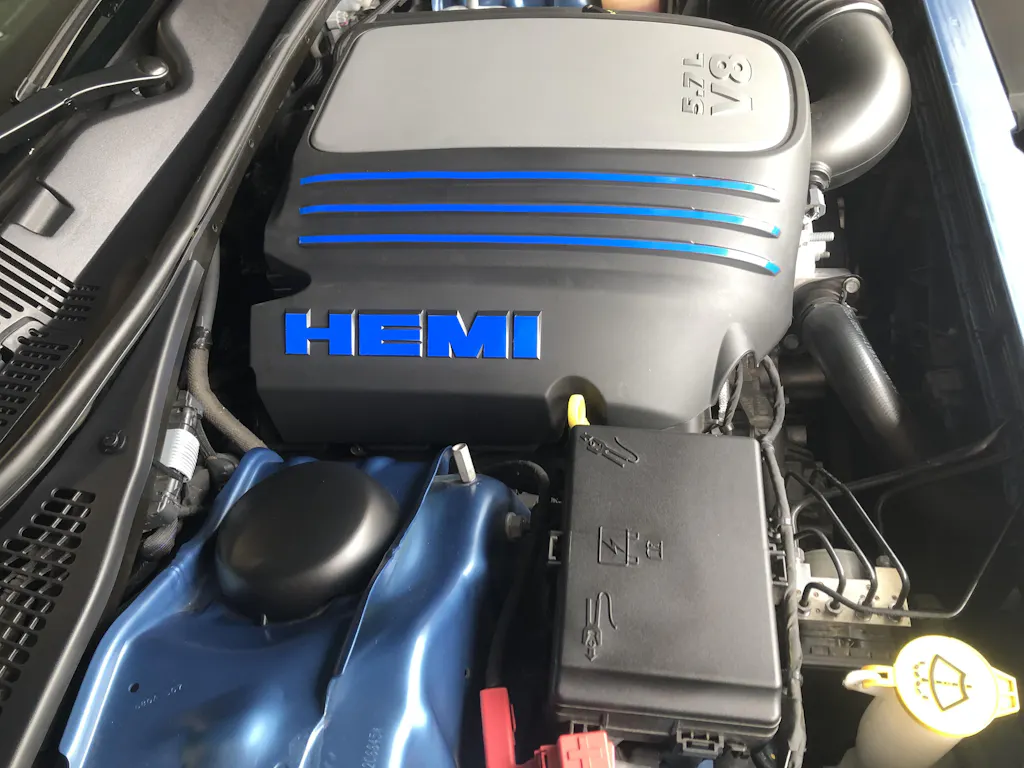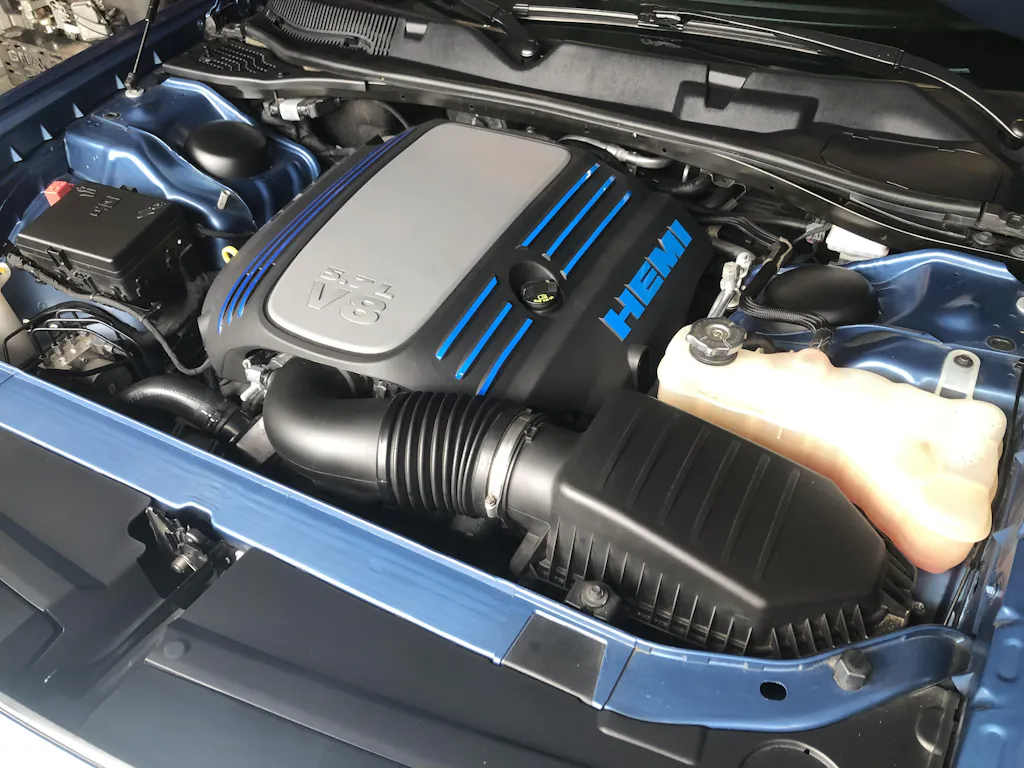
These cut-to-fit stripes do a great job enhancing the appearance of the Dodge Challenger 5.7L V8's engine cover.
- Stripes are cut to fit! No guess work, just clean the cover, press them on and you're done. The ends are cut at the perfect angle for just the right effect.
Product Installation Instructions
General suggestions for the installation:
1. We recommend washing the entire car first. Next, clean the application areas (badges, indents, etc…) with rubbing alcohol several times to remove any other oil or dirt. Q-Tips help with cleaning out crevices. Be sure there is no alcohol or water on the badge during the decal application.
2. For best results, work in a relatively warm, dry area and allow the working surface to change to the room temperature before application. It's recommended to work in 50 ° F or warmer) temperatures.
Product-specific recommendations:
Engine Cover Stripes
• Below is how you will receive your stripes, from left to right of the engine cover. Number 1 below is for the far left stripe of the engine cover, number 6 is for the top right stripe and number 9 is for the bottom right stripe.
• We recommend starting with the number 1 stripe and working your way to number 9, removing and applying 1 stripe at a time.
• Remove the strip from the backing, carefully gripping at its corner and pulling it and the backing away with equal force. Be careful not to let it dangle and cling to itself or anything else!
• To apply, start at either end of the stripe. After one end is down, carefully line up the stripe with the contour of the engine cover and firmly press the stripe down. It's easiest to use your index finger and thumb and guide the vinyl.
• Applying and reapplying the stripe will stretch the vinyl and will not line up correctly.

• Take a pair of scissors and cut the white backing away that you just peeled up.
• Place the decal now on the engine cover. Line up the back so it's straight and start working around the lettering. It's easiest to line up to the top of the 5.7L, then just work your way down adjusting as appropriate.
• Press this firmly in place staring at the middle and working your way to the corners.
• Next, peel away the rest of the white backing, but don't let the decal touch the surface yet.
• Holding the decal at the top in the middle, start to lay it down now. Take your squeegee and run it up the center. Go right to the edge on the back.
• Now it should all be down. Take the squeegee and work from the center to the edge to work out any air bubbles. Press down around the sides.
• Take your heat gun and start to warm up the edges you just wrapped down. Once you heat them, just keep pressing down. Apply high heat to the corners. You basically need to “melt” to vinyl into place. Be careful though not to burn the vinyl or melt your cover! Keep the squeegee in hand and just keep working the edges.
• Let this sit now for a few minutes and just keep going back working any edges that might be sticking up. They will eventually adhere and you can use the heat gun again to help.
• Use a Q-tip to press around the 5.7L V8.
• This completes the installation. If installed properly, the edges should be very difficult to lift. There may be some crinkles where they bend around the corner and this is OK.
Color Chart
Please note these are actual pictures of our colors. Due to the inaccuracy of lighting, different monitor settings, etc... these are for reference only.